Your music on the lock screen
Lock your Mac and a small player sits above the password. Click it for the artwork, the controls and synced lyrics that light up word by word. Off until you turn it on.
Illustration, not a screenshot. Hover the notch, or tap it.
Free and open source · macOS 14 or later
DropNotch turns the MacBook notch into a productivity surface. It opens when you hover over it or press ⌃⌥N, and stays out of the way otherwise.
brew install --cask shashwat-19/tap/dropnotch
Turn each tab on or off and reorder them in Settings. Nothing runs that you haven't turned on.
Lock your Mac and a small player sits above the password. Click it for the artwork, the controls and synced lyrics that light up word by word. Off until you turn it on.
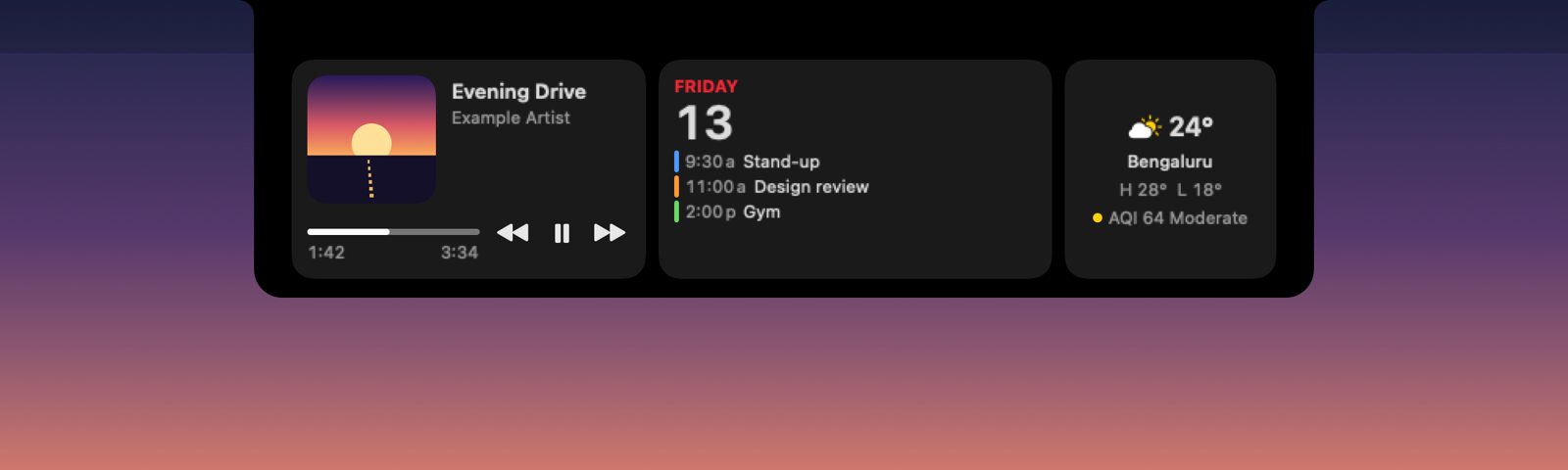
Play, pause, skip and seek in Apple Music or Spotify, with artwork and track times. Next to it, today's events from your calendars, read only. Add a battery ring, or the weather and air quality for your city.
Drop files on the notch, then drag them out or send them with AirDrop. Your files stay where they are.
The last 25 text, link and image items; click one to copy it back. Off until you turn it on, and password-manager entries are skipped.
Your login shell, like Terminal.app, inside the notch. Off by default. It starts only when you open the tab on purpose, never on hover, and keeps running while the notch is closed.
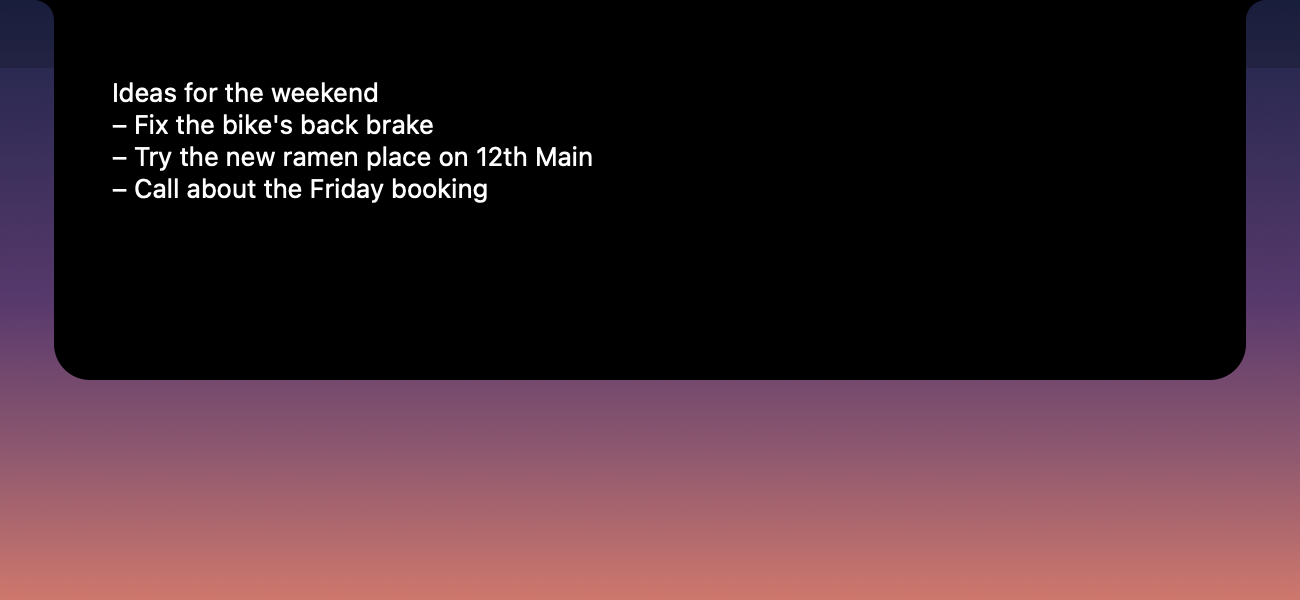
One plain-text note, saved as you type, without leaving what you're doing.
⌃⌥N opens the notch ready to type. ⌘1, ⌘2 and so on switch tabs, and Esc closes it. Full keyboard access and VoiceOver labels.
Plug in and the notch shows the charge for a moment; connect AirPods and it shows their battery. A light trackpad tap if you like.

Pictures and clips are drawn by DropNotch's own code, with a made-up song, lyrics and events. The lock screen around the small player is an illustration.
Not built yet: Stats and a timer are planned, and signed builds with automatic updates are planned for 1.0. No dates. Vote or ask for something else in Issues.
Yes. DropNotch is free and open source under the MIT licence. There's no account to create.
DropNotch isn't signed with an Apple Developer ID or notarised yet, so macOS says "DropNotch.app" Not Opened. Click Done, then open System Settings › Privacy & Security and click Open Anyway. Signed builds are planned for 1.0.
macOS 14 Sonoma or later. It's built for MacBooks with a notch; other Macs get a compact pill at the top of the screen. It has only been tested on Apple silicon.
No analytics, no accounts, no telemetry. The only network request fetches Spotify artwork over HTTPS from i.scdn.co, and you can turn that off in Settings › Privacy.
Only when you first use the feature that needs it, never at launch: Automation the first time you use a Music or Spotify control, Calendars when you turn on the Calendar card, and folder access when the tray first opens a file from Desktop, Documents or Downloads.
Apple Music and Spotify. Other players aren't supported yet.
It's off until you turn it on. Commands you run there use DropNotch's permissions, as they would in the terminal inside VS Code or iTerm. Settings shows exactly what that includes before you turn it on.
There are no automatic updates yet. Quit DropNotch, then run brew upgrade --cask dropnotch, or download the new DMG and replace the old app; Updating has the details. To uninstall, quit from the menu-bar item and move DropNotch to the Bin, or run brew uninstall --cask dropnotch.
Check the download with the SHA-256 file. All versions are on GitHub Releases.
brew install --cask shashwat-19/tap/dropnotch
This adds the tap and installs in one step. The first launch still needs Open Anyway, as with the DMG.
Quit DropNotch first: menu-bar icon › Quit.
Installed with Homebrew:
brew upgrade --cask dropnotch
Says it's already up to date right after a release? Run brew update first.
Installed from the DMG: download the latest DMG and drag it over the old copy, choosing Replace. Or switch to Homebrew once, and updates are one command after that:
brew install --cask --force shashwat-19/tap/dropnotch
This replaces the app in Applications. Your settings, notes and tray stay, since they live in ~/Library.
After any update: open DropNotch once through System Settings › Privacy & Security › Open Anyway, and allow Music (or Spotify) and Calendar again when asked. Builds aren't notarised yet, so macOS treats each version as a new app.
Bugs, feature requests and "I uninstalled it because…" all help. It takes a GitHub account.